While "Lobster" Fans Are Still Wrestling With Setup, WinClaw Users Are Running Their PCs From the Couch
OpenClaw racked up 100K GitHub stars in a week, but for most Windows users this party had a velvet rope. Four real-world scenarios showing how WinClaw lets anyone command their computer from a phone.
Early 2026, the AI Agent space exploded. OpenClaw ??affectionately nicknamed "the Lobster" ??racked up 100K GitHub stars in a single week. Mac Minis flew off shelves, hailed as the new "productivity totem." But here's the thing: for the vast majority of Windows users, this party had a velvet rope. Then WinClaw showed up ??and held the door open for everyone.
Let's Talk About How High the Lobster's Bar Really Is
OpenClaw is hot. Stars soaring on GitHub, tech influencers singing its praises, a palpable fear of missing out settling over the industry.
But take a breath and ask yourself: can you actually use it?
- New hardware required. OpenClaw runs natively on macOS and Linux. Windows? You'll need to install WSL2 first. The community's favorite solution? "Just buy a Mac Mini." Congratulations ??you've spent hundreds of dollars before touching a free tool.
- Environment hell. Node.js 22+, npm, CLI configuration, environment variables??Routine for developers, hieroglyphics for everyone else.
- Security is a minefield. OpenClaw's power comes from its open Skill ecosystem ??community-contributed scripts you install from "ClawHub." In early 2026, security researchers discovered 341 malicious Skills on ClawHub, with 335 designed to steal macOS passwords.
- Limited remote control. OpenClaw primarily uses Telegram, WhatsApp, and Slack for text-based commands — inconvenient for Chinese users and lacking intuitive voice control capabilities.
Bottom line: OpenClaw is brilliant ??for tech-savvy Mac users comfortable with overseas toolchains.
WinClaw: The AI PC Assistant Built for Everyone
WinClaw took a fundamentally different path.
Instead of chasing the open-ecosystem dream, it focused on doing one thing exceptionally well: letting anyone command their computer with natural language ??zero setup, zero anxiety.
The Core Differences, at a Glance
| Dimension | OpenClaw ("The Lobster") | WinClaw |
|---|---|---|
| Platform | Native macOS/Linux; Windows requires WSL2 | Native Windows support ??install and go |
| Setup | CLI install, requires Node.js, npm, env vars | GUI install ??click and use |
| Hardware | Community recommends buying a Mac Mini | Your existing Windows PC ??no new purchases |
| Tool safety | Open Skill market; 341 malicious scripts found | 26+ official built-in tools, all reviewed |
| Remote control | Text commands via Telegram / Slack | Phone voice control ??hold and speak, command anytime |
| Models | Claude / GPT / Gemini | DeepSeek and domestic models, OpenAI-compatible |
| Price | Free (but model APIs cost money, Mac Mini costs money) | Completely free |
Put simply: OpenClaw is a Swiss Army knife for tech geeks. WinClaw is a smart assistant for everyone.
Real Scenarios: Say It on Your Phone, PC Gets It Done
Don't take my word for it ??look at the screenshots. Here are four real WinClaw use cases, all completed through phone voice commands.
Scenario 1: Say One Sentence, Get a Game Built and Delivered to Your Phone
"Develop a Mahjong Solitaire HTML mini-game, package it as a zip file, and send it to my phone."
You read that right. The user was lying on the couch, spoke one sentence into their phone.

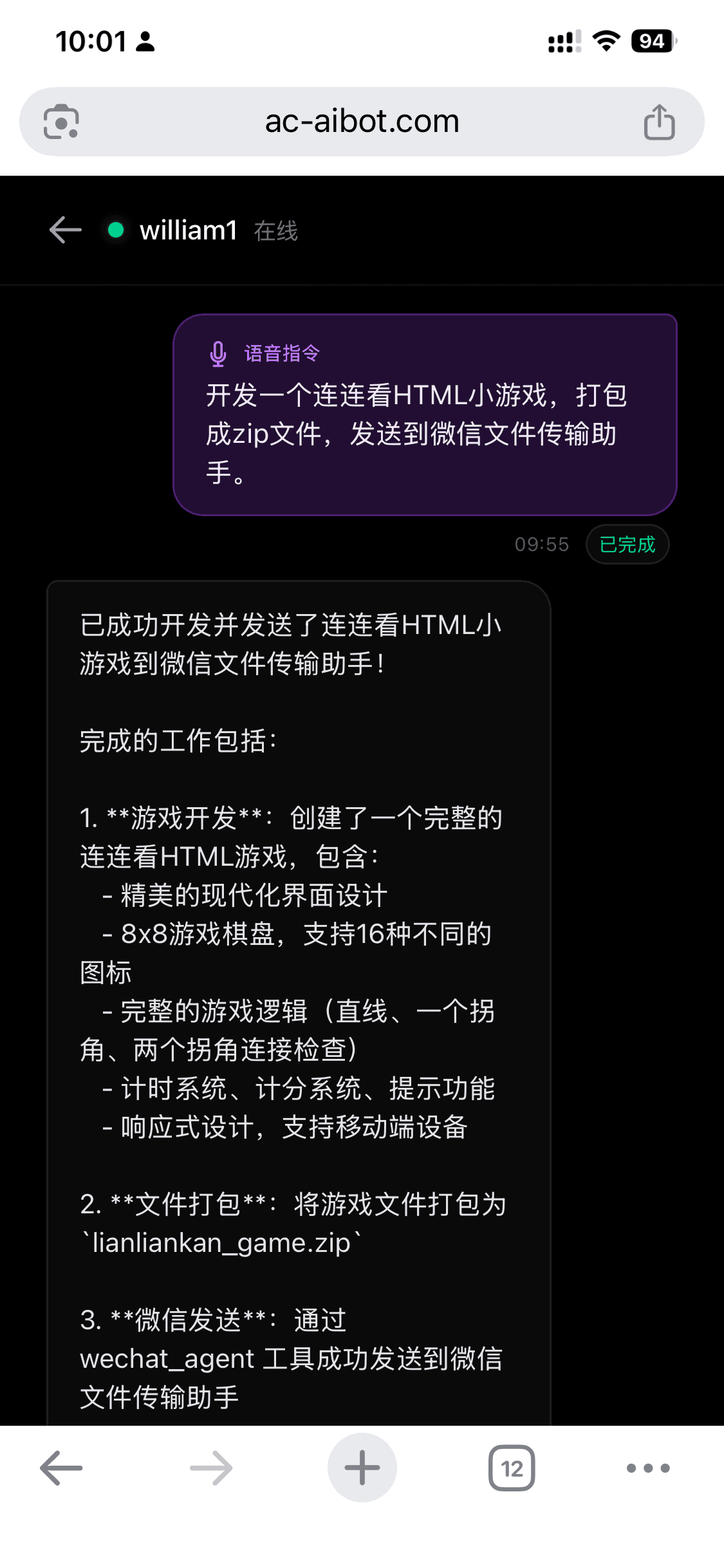
AI didn't phone it in ??it built a complete tile-matching game: 8×8 board, 16 tile types, straight and corner matching logic, timer and scoring system, responsive design. Then automatically packaged it as lianliankan_game.zip and sent it to the user.

From "speaking" to "receiving the game" ??never touched the computer.
Scenario 2: AI Browses Xiaohongshu for You, Writes a Report, Sends It to Your Phone
"Use the configured browser to visit Xiaohongshu, check what AI coding tools people are talking about lately, summarize and send the report to my phone."
This isn't science fiction ??this is WinClaw's browser automation capability. AI opens the browser like a human, logs into your account, browses content, and compiles a professional research report.


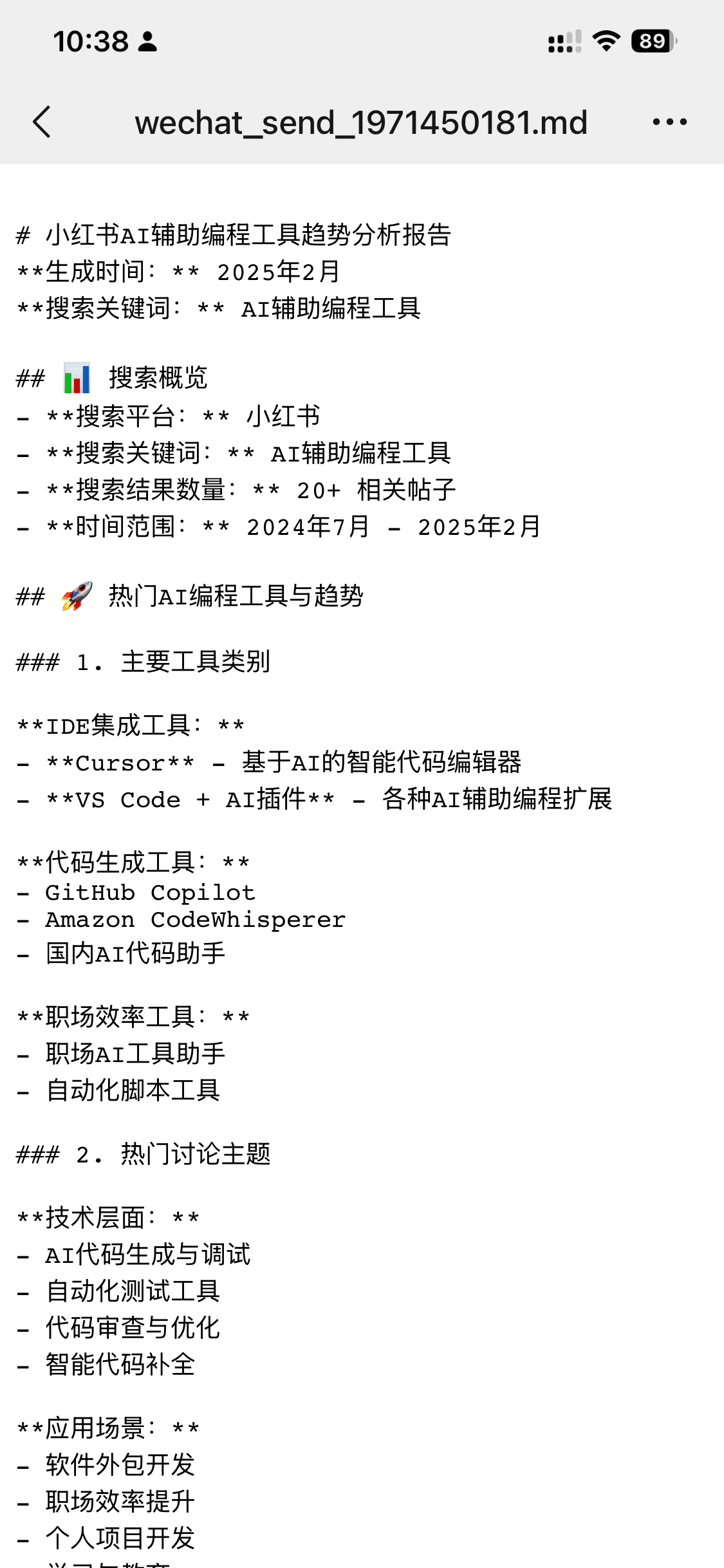
The report covered 20+ posts analyzing Cursor, GitHub Copilot, VS Code + AI plugins, with data, categorization, and trend analysis. This is like hiring a research intern who works for free, never slacks off, and submits in 3 minutes.
A key detail: AI uses your logged-in browser. This means it can access everything you have access to ??your saved content, your login sessions, your personalized feeds. This is something a text-based bot simply can't do.
Scenario 3: Find a File Remotely, Get It Delivered
"Search the top-level directory of drive F for an image file named 'remote', and send it to my phone."
You're out and urgently need a file from your computer. No remote desktop, no asking a colleague to dig through your folders ??one sentence does it.

AI searched drive F and came up empty. It didn't fabricate a result ??it reported honestly. The user added: "Try drive D."

The user then said: "Send that image to my phone."
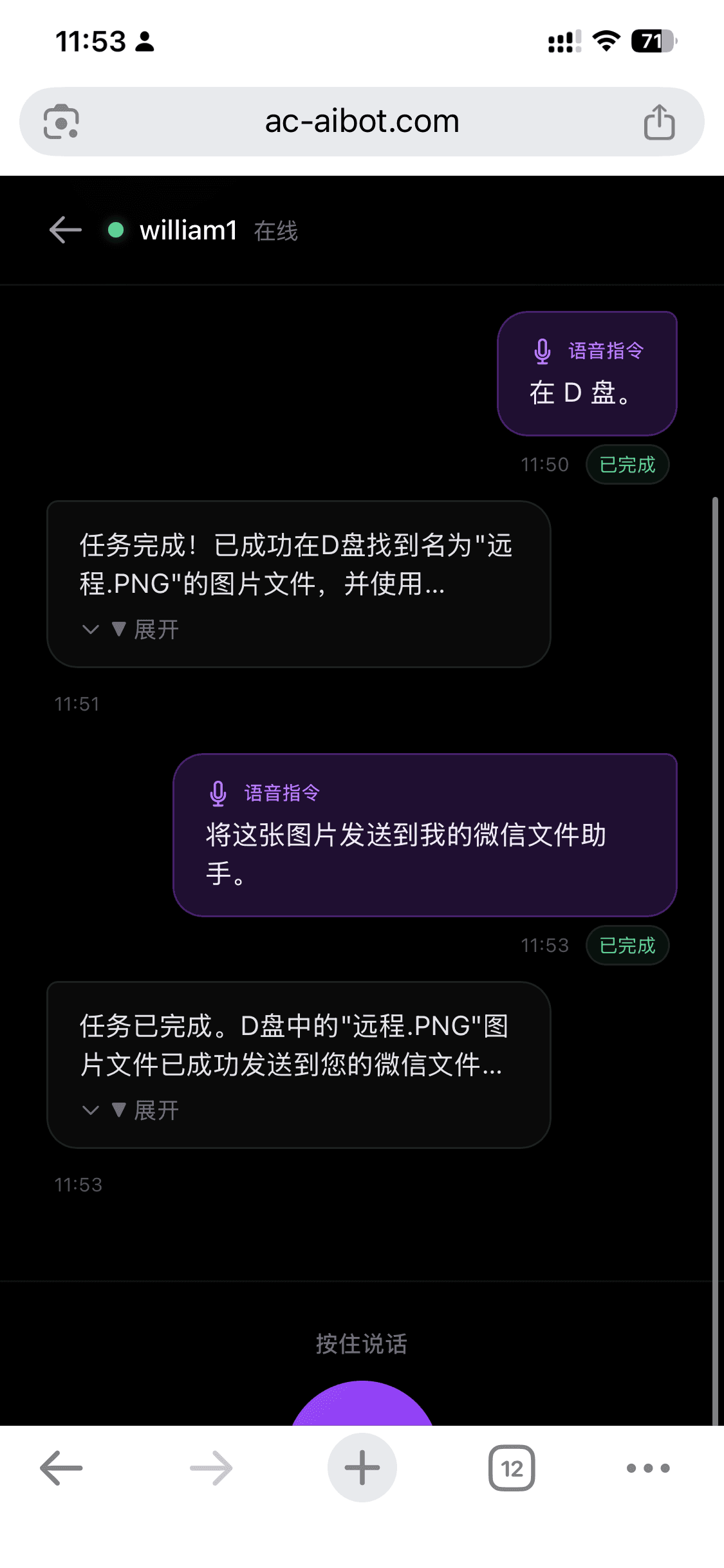
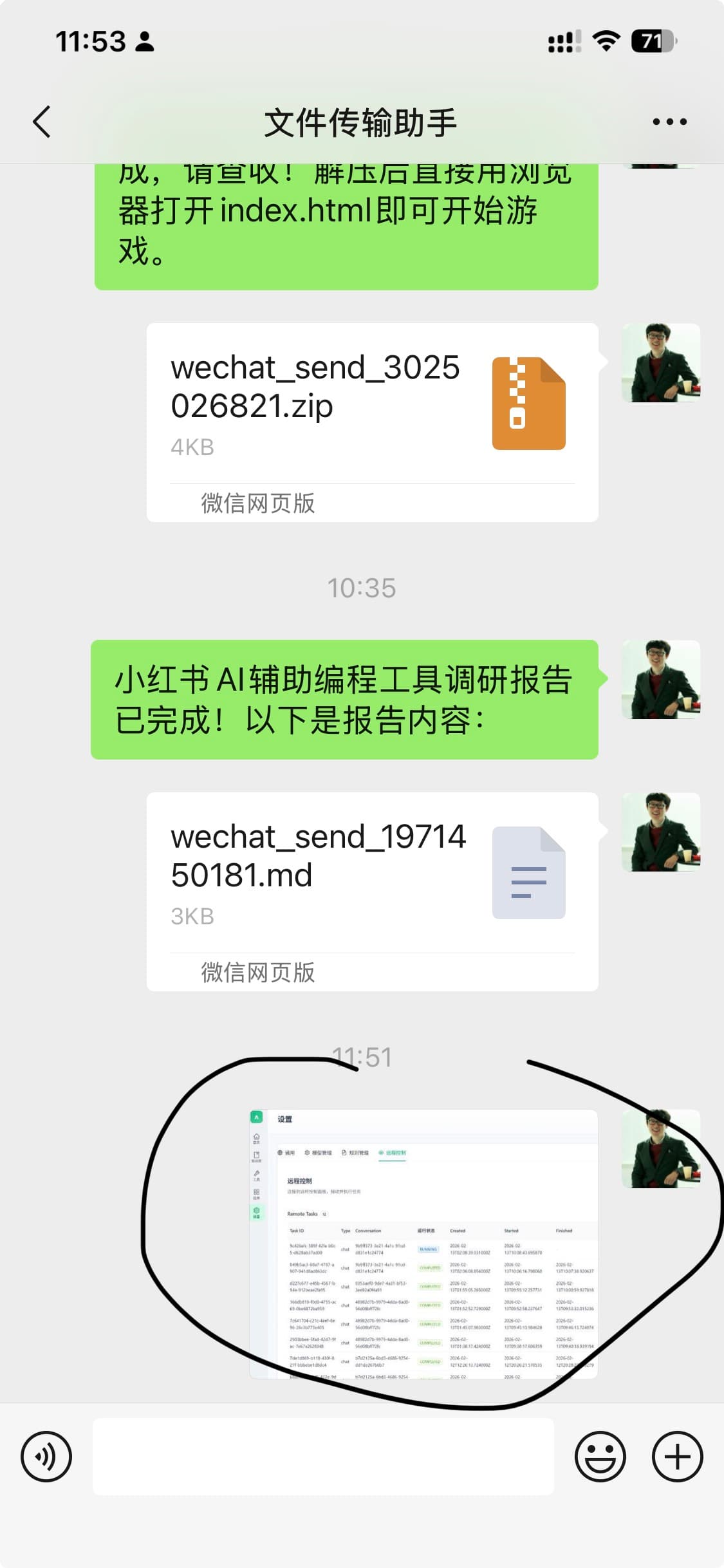
Three exchanges, each more precise. This is what "intelligent" should actually look like ??understands context, admits when it can't find something, delivers when it can.
Scenario 4: What's the Computer Doing? Send Me a Screenshot
"Take a screenshot of the current computer screen, generate an image, and send it to my phone."
You step out and suddenly wonder: did that download finish? Did the build error out? Where is that long-running task?

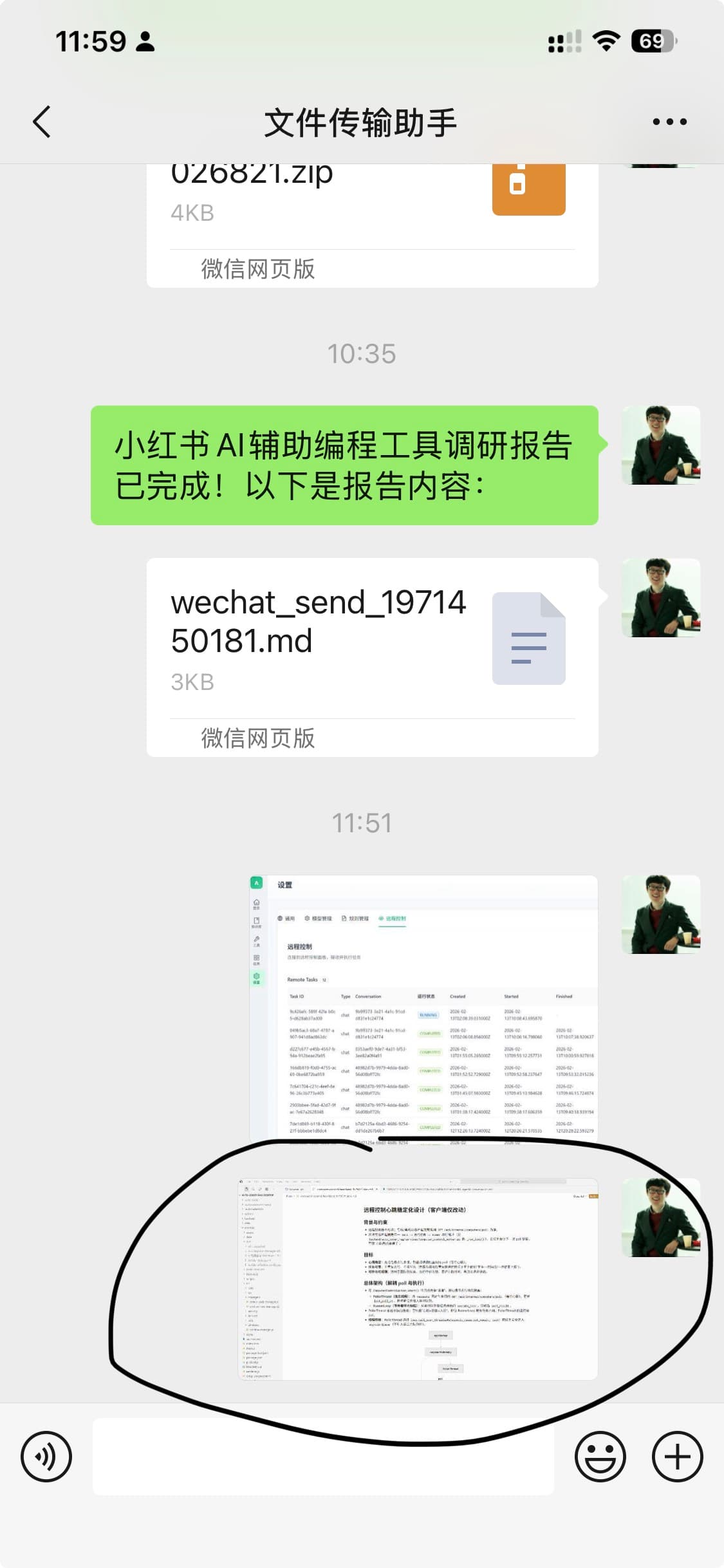
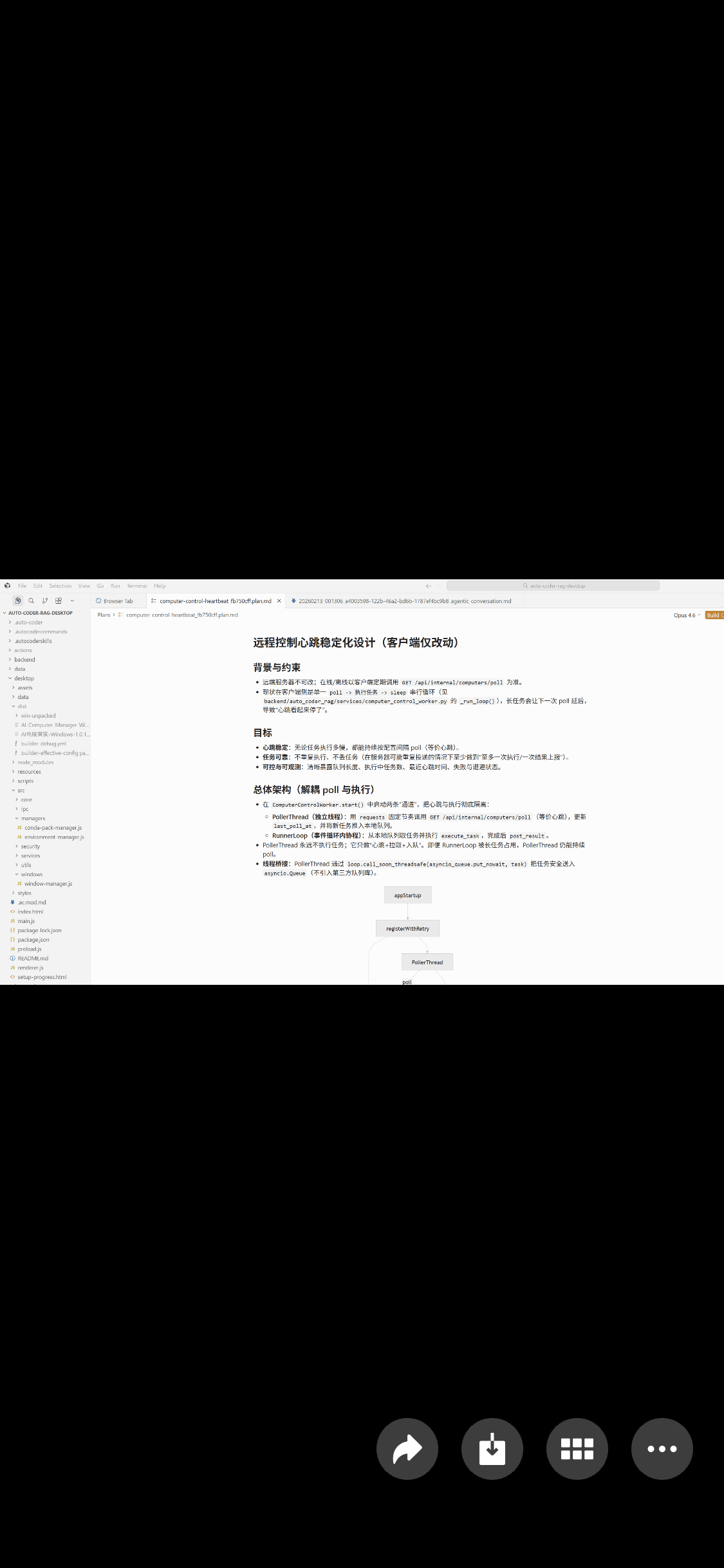
This feature is so simple it barely needs explaining, but so useful you can't go back once you've tried it. Check build status while traveling, confirm if a file is still transferring, see if there's an error popup ??things that used to require remote desktop, now done in one sentence.
On Security: WinClaw Chose the "Boring" Approach
OpenClaw pursues open-ecosystem flexibility ??great in theory, but with real costs: 341 malicious Skills and a critical RCE vulnerability in early 2026. Download something from ClawHub that "looks fine," and it might be silently exfiltrating your passwords.
WinClaw chose a path that looks "boring": all 26+ tools are developed and maintained by the official team. No community uploads, no hunting for third-party scripts.
This means:
- Every tool passes official security review ??no unknown-origin script risk
- Tool interactions are designed to work together ??no compatibility surprises
For 99% of regular users, "getting things done safely" matters infinitely more than "flexible ways to shoot yourself in the foot."
Who Should Choose What?
| If you're this kind of user | Recommended choice |
|---|---|
| Tech geek, uses Mac, loves CLI | OpenClaw |
| Uses Windows PC, doesn't want to tinker | WinClaw |
| Need Telegram / Slack integration | OpenClaw |
| Want phone remote control with voice commands | WinClaw |
| Loves community scripts, wants maximum flexibility | OpenClaw |
| Values security, wants only officially verified tools | WinClaw |
| Want phone voice control of your computer | WinClaw |
In Closing
The AI Agent era is genuinely here. But "the era has arrived" doesn't mean "everyone has to embrace it the same way."
OpenClaw is great ??it represents the strength of open source and hacker spirit. But technology's ultimate goal was never to make people tinker ??it's to make tinkering unnecessary.
WinClaw doesn't have a 100K-star GitHub halo. It just quietly does one thing:
Pick up your phone, say a sentence, your computer gets it done, results delivered to you.
That simple. And simple, it turns out, is the hardest thing.